
🌍 1. Company Overview
Founded in 2004 in Sofia, Bulgaria, SiteGround Hosting Ltd. now powers over 3 million domains worldwide via data centers across the US, Europe, Asia, and Australia Migrated to Google Cloud Platform in 2020, SiteGround combines high-speed SSD storage, global infrastructure, and proprietary software tools—all managed via its custom Site Tools panel
⚡ 2. Performance & Uptime
🖥 Shared & Cloud Infrastructure
SiteGround’s foundation includes Google Cloud hardware, SSD/NVMe storage, NGINX front-end, PHP 8+, HTTP/2, QUIC, TLS 1.3, and OCSP Stapling . Advanced features include in-house Ultrafast PHP (on GrowBig/GoGeek plans), MySQL optimizations, and the SuperCacher/SG Optimizer plugin for WordPress
⚙️ Speed Benchmarks
- Empty site (US server): 300 ms load time
- International times: 481 ms (UK), 900 ms (Mumbai)—all under Google’s 2.5 s threshold
- Under 50 concurrent users: stable performance with minimal fluctuation
✅ Uptime Performance
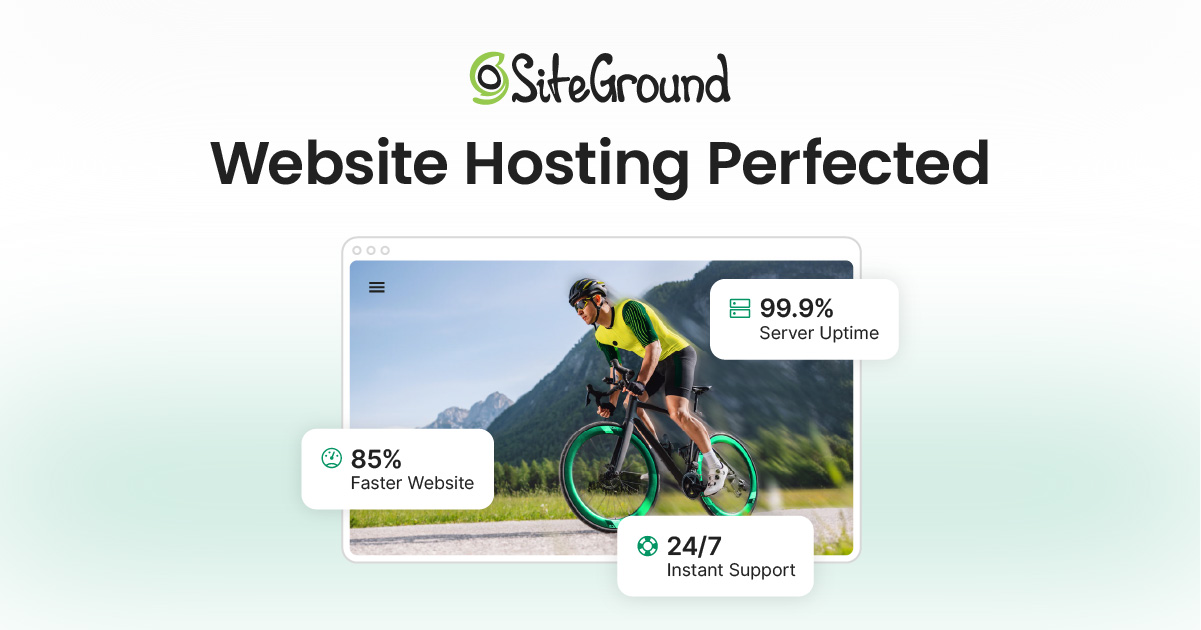
- SiteGround guarantees 99.9%, but independent monitoring shows 99.99% uptime (~7 minutes downtime over 2 months)
- Their proactive server monitoring system detects and prevents 90% of issues before impact
🛠 3. Hosting Plans & Pricing
🔹 Shared Plans
| Plan | Intro Price | Renewal Price | Best For |
|---|---|---|---|
| StartUp | $2.99/mo | $17.99/mo | Single site, basic needs |
| GrowBig | $4.99/mo | $29.99/mo | Multiple sites, performance needs | ||
| GoGeek | $7.99/mo | $39.99/mo | Developers, WooCommerce, |
- All plans include: unlimited bandwidth, free SSL, daily backups for 30 days, email hosting, CDN, SG Optimizer, staging (GrowBig+)
- A free domain is not included
☁ Cloud Hosting
Upgraded with Geo-redundant backups, auto-scaling, and customizable cloud resources—great for growing businesses not ready for VPS
🔐 4. Features & Tools
🔄 Performance Tools
- SuperCacher: Multi-layer static, dynamic, Memcached caching
- SG Optimizer: WordPress plugin for cache, CSS/JS optimization, image compression
- Ultrafast PHP & MySQL tuning: 30% faster site performance; backend CPU and memory savings
🔄 Developer Tools
- SSH/SFTP, WP-CLI, Git integration (GoGeek+), staging environments
🔐 Security & Backups
- Free SSL & Cloudflare CDN, daily backups retained 30 days, on-demand backups
- Isolated accounts with AI anti-bot system, firewall, brute-force protection, proactive patching
🧩 Migration Support
- Free website migrations via plugin; user-friendly migration UI in Site Tools
📞 5. Customer Support
- 24/7 support via chat, ticket, and phone (for active users)
- Quick response times: live chat within minutes; ticket replies within hours
- Knowledge base with step-by-step tutorials
⭐ Feedback Insights
Positive:
“Great chat & phone support… 97% satisfaction rate”
Negative:
“Support slowed to 1–4 hours during DDoS issues… temp files inaccessible”
“Charged $65 for ticket outside standard support category”
500 errors during traffic surges; urging upgrades
💵 6. Pricing & Renewal Disclosures
- Attractive introductory pricing—but renewal rates jump 3–5×, e.g. StartUp from $2.99 to $17.99
- No free domains; domains and SSL costs billed separately
- Always-backed-by a 30-day money-back policy for shared plans
⚖ 7. Pros & Cons
| ✅ Pros | ⚠️ Cons |
|---|---|
| Lightning‑fast performance & elite uptime (~99.99%) quicksprout.com+13cybernews.com+13besthostingreviewed.com+13 | Renewal rates sharply higher—start low, stay prepared |
| Strong security & account isolation | Support sometimes stalls on complex issues or DDoS |
| Developer-friendly tools & staging (GrowBig+) | Occasional 500 errors under traffic spikes; pushy upgrade prompts |
| Free backups (daily), email, SSL, CDN | No free domain; domain pricing can be restrictive |
| 24/7 chat, phone, ticket, extensive KB | Support sometimes requires “Expert Care” credits for plugin issue |
🎯 8. Who Should Choose SiteGround?
- Small to medium businesses, blogs, and WordPress users seeking robust performance
- Developers & agencies needing staging, SSH, Git, WP-CLI
- Businesses valuing reliability, security, and 24/7 support
❌ 9. Who Might Prefer Alternatives?
- Budget-focused users who find renewal rates unsustainable—consider Hostinger or DreamHost
- Ecommerce stores facing CPU restrictions; cloud or VPS options may be better
- Sites with traffic spikes needing more flexible scaling or fewer support upsells
🏁 10. Verdict
SiteGround remains a top-tier option for performance, security, and managed WordPress hosting. For users who prioritize uptime, developer tools, and support, it’s clearly a premium choice—as long as you’re ready for renewal fees and occasional support limitations under load.
📝 11. Smart Tips Before Signing Up
- Lock in longest intro term (24–36 months)
- Choose closest data center to your audience
- Test performance and uptime within 30-day refund window
- Submit pre-sales query to assess support responsiveness
- Keep local backups and review CPU usage if you’re on GrowBig/GoGeek